> For the complete documentation index, see [llms.txt](https://nuflorist.gitbook.io/nuflorist/llms.txt). Markdown versions of documentation pages are available by appending `.md` to page URLs; this page is available as [Markdown](https://nuflorist.gitbook.io/nuflorist/addons/add-products-to-addons-categories.md).
# Add products to Addons Categories
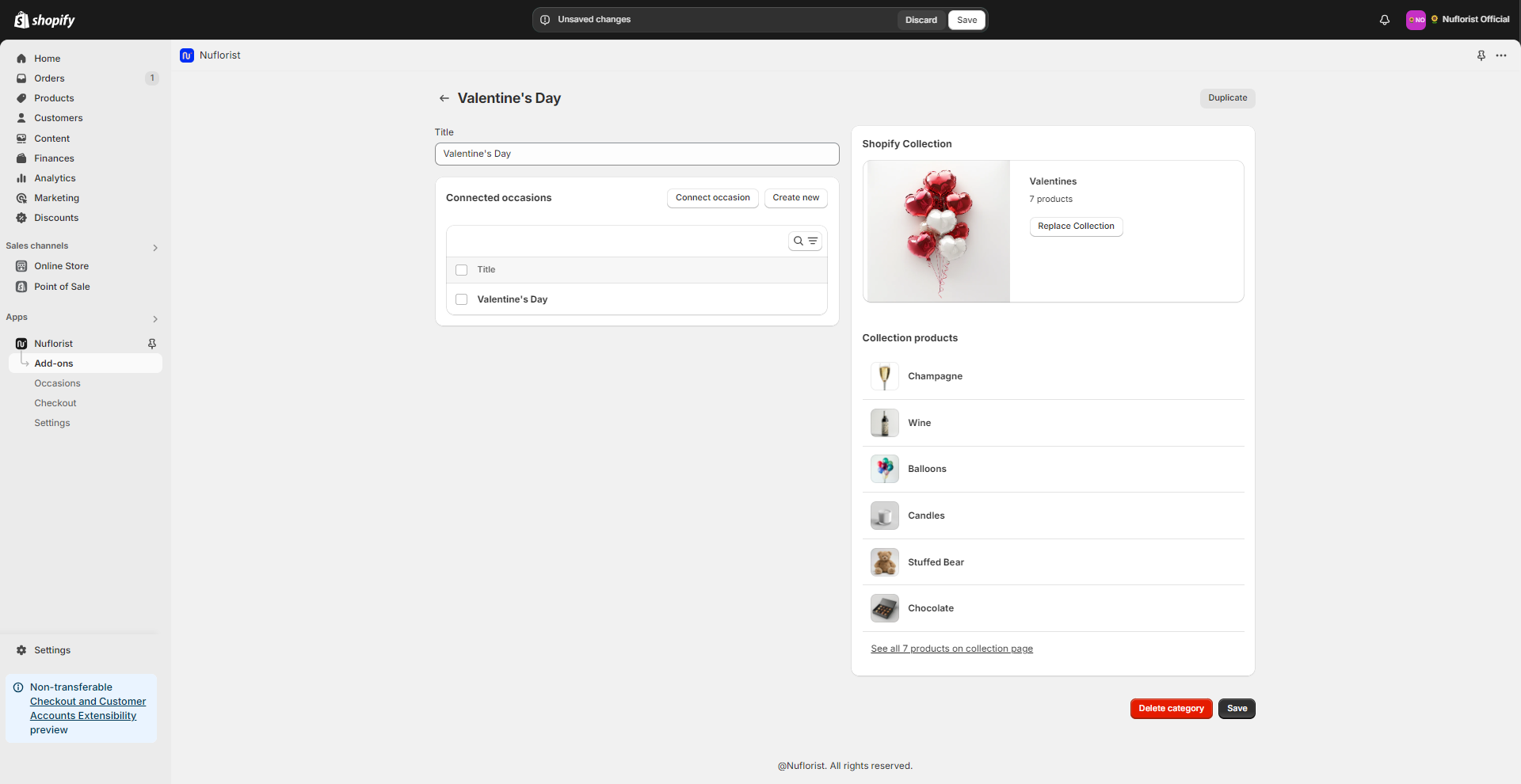
To add products to your addons category, you need to edit the linked collection in Shopify. Our app uses the collection to reflect all of the products that are inside of it.
1. Navigate to the addons collection you want to change and identify the name of the linked collection
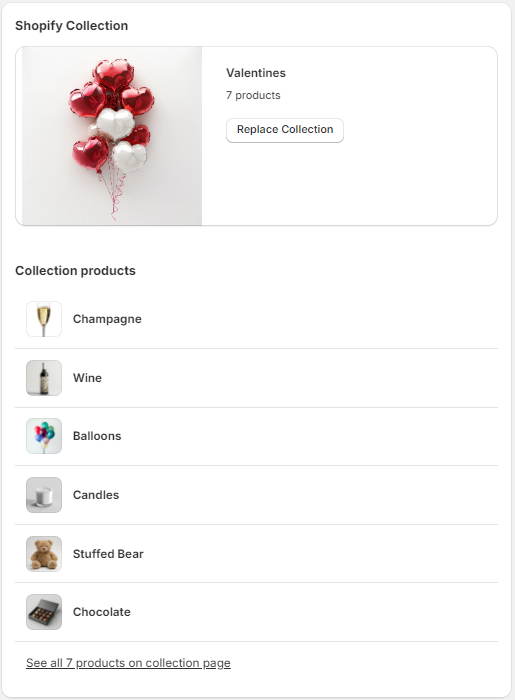
2. At the bottom of the Shopify collection section, you should see the link “See all products on the collection page”. Click on it and you’ll be redirected to the collection page.
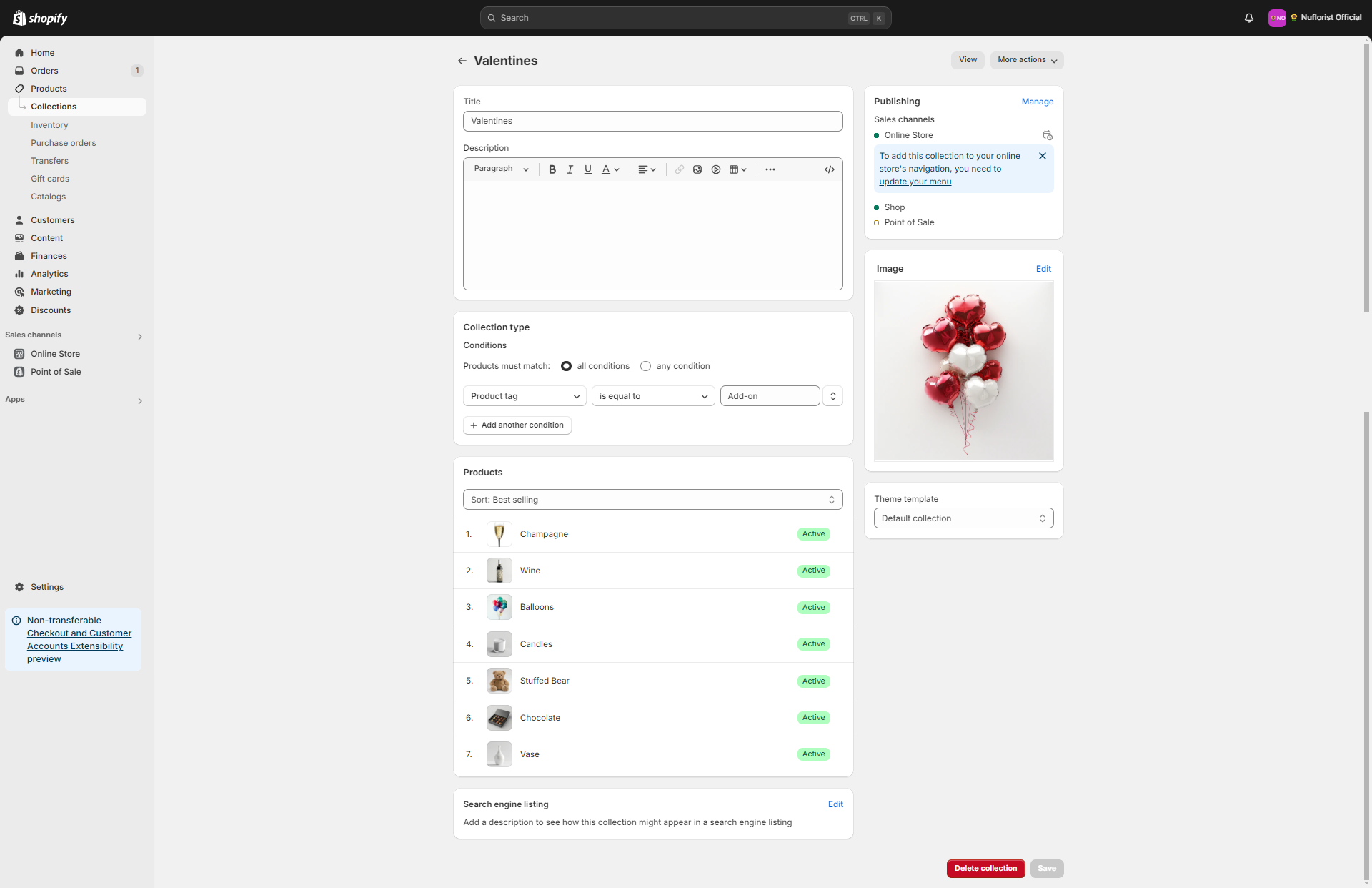
3. Inside of the collection page, you should now see the conditions that each product needs to match to be in here. You can add new products by making them match those conditions.
{% hint style="info" %}
To learn more about collections, you can check the Shopify Learning Base ()
{% endhint %}