> For the complete documentation index, see [llms.txt](https://nuflorist.gitbook.io/nuflorist/llms.txt). Markdown versions of documentation pages are available by appending `.md` to page URLs; this page is available as [Markdown](https://nuflorist.gitbook.io/nuflorist/addons/connect-occasions.md).
# Connect Occasions
To connect an occasion on an already created addons category in the NuFlorist app, follow these steps:
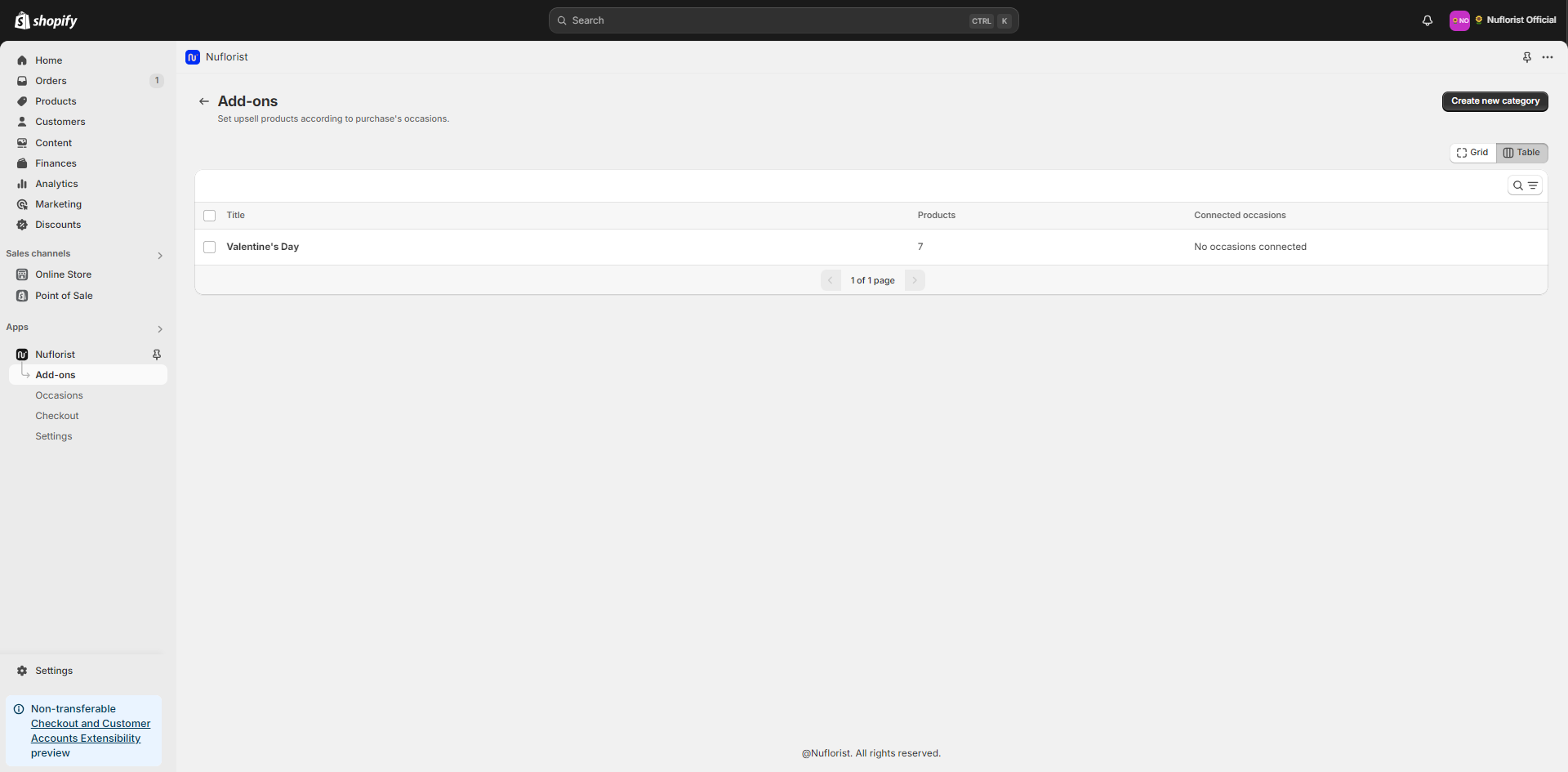
1. Navigate to your already created addons category. In our case, it’s “Valentine’s Day”.
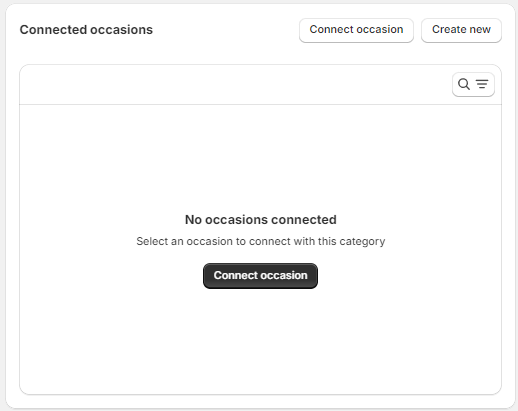
2. Under “Connected occasions, choose “Connect occasion” if you already have the occasion created or “Create new” if you don’t have any.
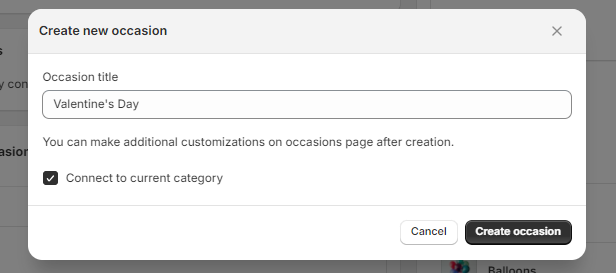
3. When creating a new occasion, the tip is to use a descriptive name, because it will show to your customers and will be used to filter the products. Here we’ll use “Valentine’s Day” as the name of the occasion.
{% hint style="info" %}
Leave the checkbox “connect to the current category” on so you can connect to this new occasion directly.
{% endhint %}
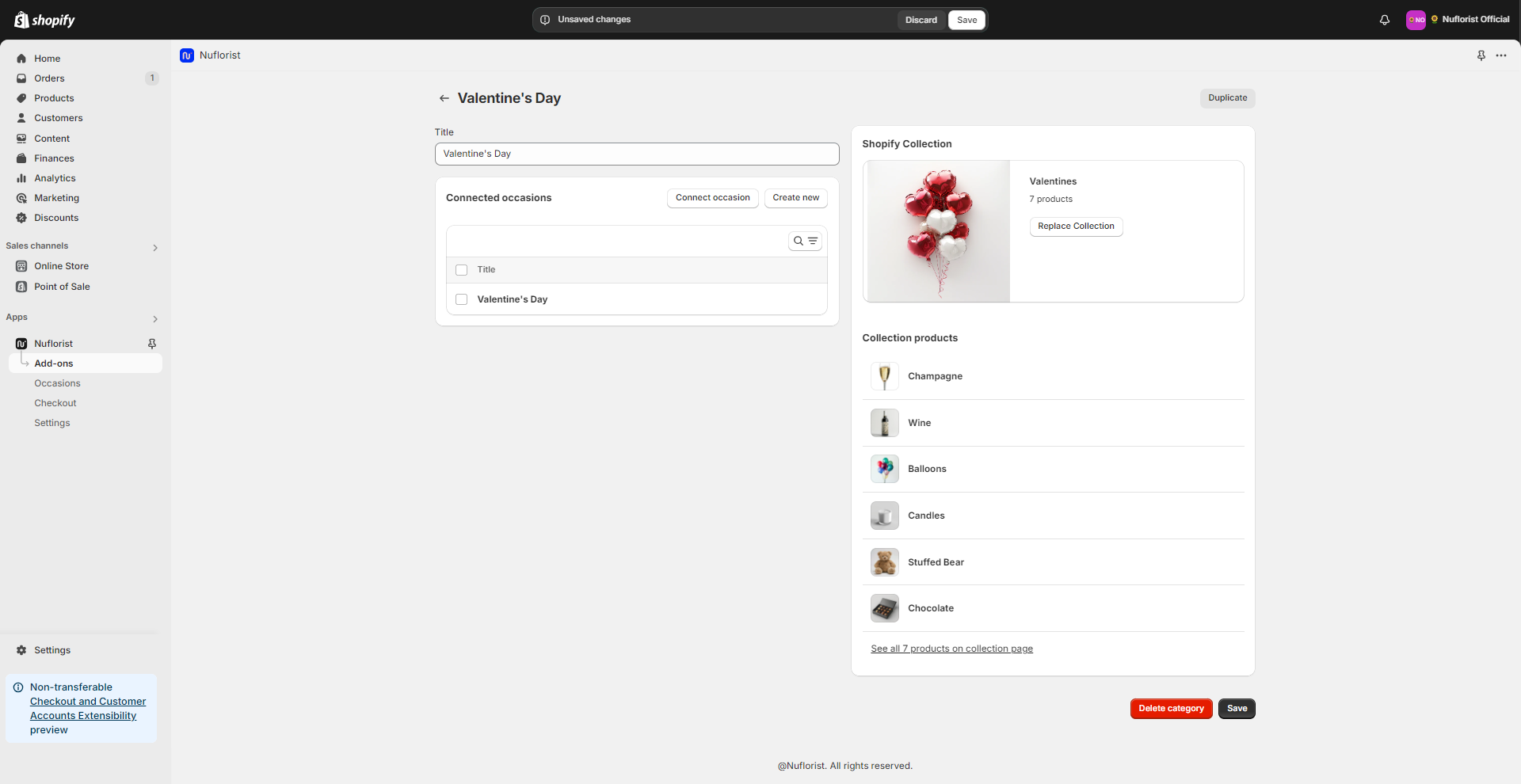
4. Save your addons collection