> For the complete documentation index, see [llms.txt](https://nuflorist.gitbook.io/nuflorist/llms.txt). Markdown versions of documentation pages are available by appending `.md` to page URLs; this page is available as [Markdown](https://nuflorist.gitbook.io/nuflorist/cart-widget/install-widget-on-shopify.md).
# Install widget on Shopify
You need to enable the widget in your Shopify store to display delivery options to your customers in your store's cart page. Here’s a step-by-step guide to help you through the process.
## Go to Theme Editor
### Navigate to the Online Store
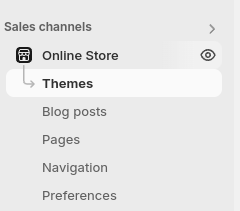
In the left-hand menu, click on "Online Store."
### Themes
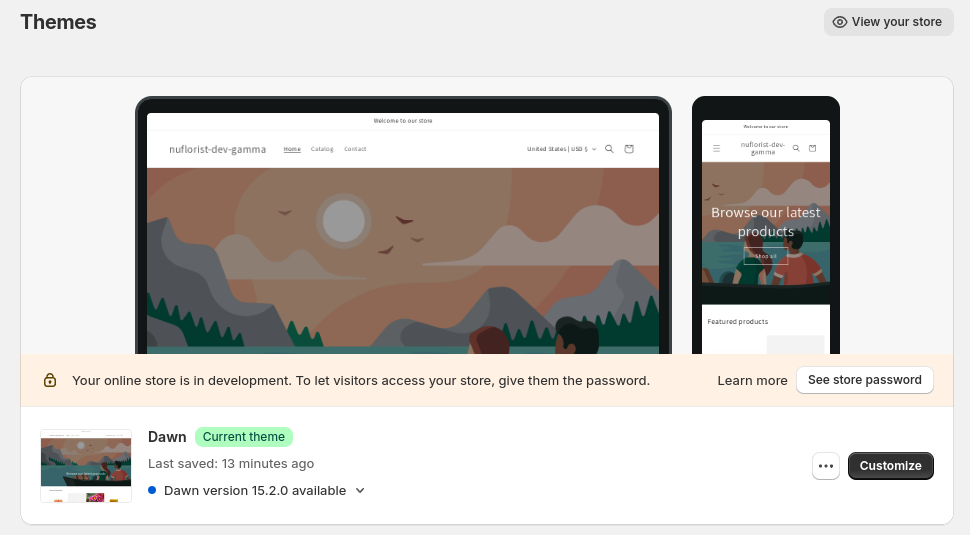
Under the "Themes" section, find your current theme and click on "Customize.
### Add the widget
#### Select the Page
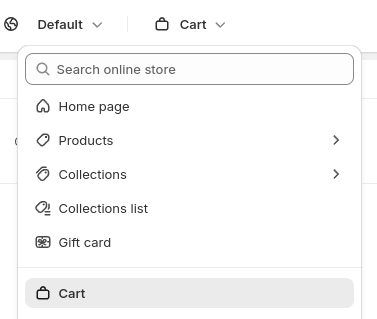
In the theme editor, go to the cart page where you want to add the widget.
#### Add Section
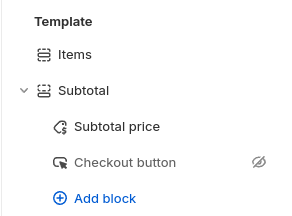
Click on "Add section" or "Add block" under product information. The ideal placement is below your list of cart items.
#### Find NuFlorist widget
Look for the NuFlorist widget in the list of available sections under the “Apps” tab. Click on it to add it to your selected page.