> For the complete documentation index, see [llms.txt](https://nuflorist.gitbook.io/nuflorist/llms.txt). Markdown versions of documentation pages are available by appending `.md` to page URLs; this page is available as [Markdown](https://nuflorist.gitbook.io/nuflorist/checkout/add-checkout-block-on-themes.md).
# Add checkout block on themes
{% hint style="warning" %}
To customize your checkout process and allow customers to select delivery dates and times, you’ll need to be on **Shopify Plus**. This gives you the ability to edit the checkout, which is necessary for integrating the Nuflorist app’s delivery options.
{% endhint %}
## Navigate to checkout settings
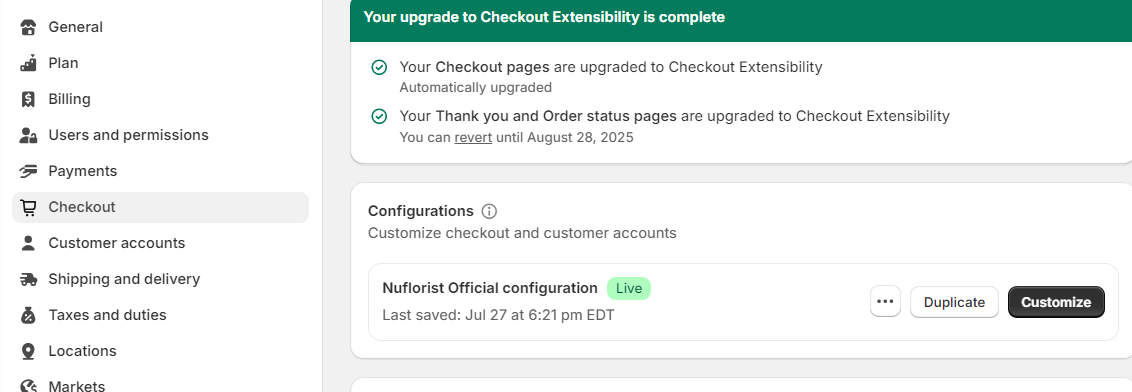
From your main Shopify dashboard, go to settings and choose the checkout options.
Click on "customize" on the configurations related to Nuflorist Official configuration.
## Theme editor
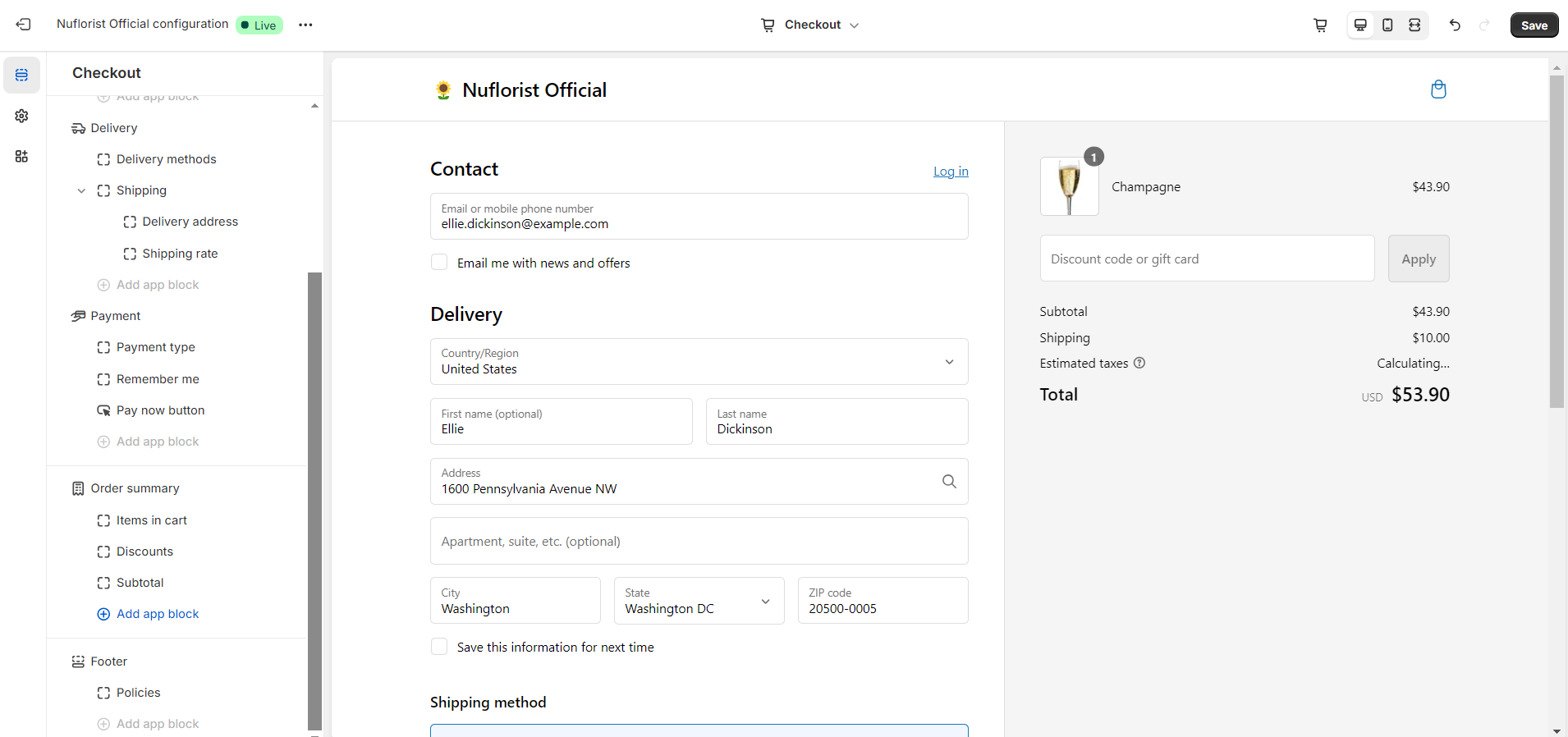
You'll be redirected to your theme editor and will be able to see all the settings on your checkout page.
## Add App Block
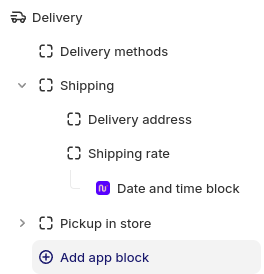
You can add the app block under the delivery, there will be a button named "Add app block". Click on it and choose the Nuflorist date and time block.
## Save and preview
Now you just need to save your session on the theme editor. To view your changes on the website, don't forget to add a shipping address that matches the settings you've done with the app.