> For the complete documentation index, see [llms.txt](https://nuflorist.gitbook.io/nuflorist/llms.txt). Markdown versions of documentation pages are available by appending `.md` to page URLs; this page is available as [Markdown](https://nuflorist.gitbook.io/nuflorist/delivery/add-nuflorist-carrier-service-on-shopify.md).
# Add Nuflorist Carrier Service on Shopify
You need to add the Nuflorist Carrier Service before your application can generate custom delivery rates.
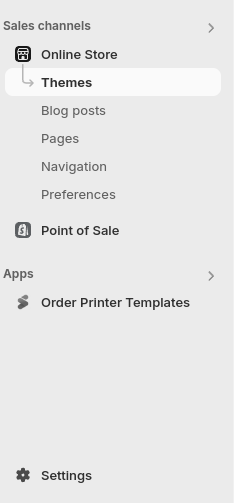
## Go to Settings
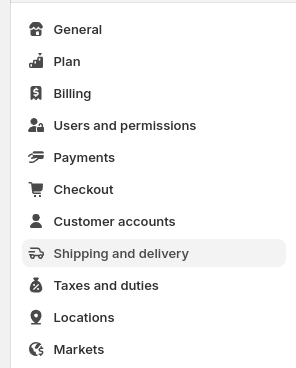
### Navigate to Shipping and Delivery
In the left-hand menu, click on "Shipping and Delivery."
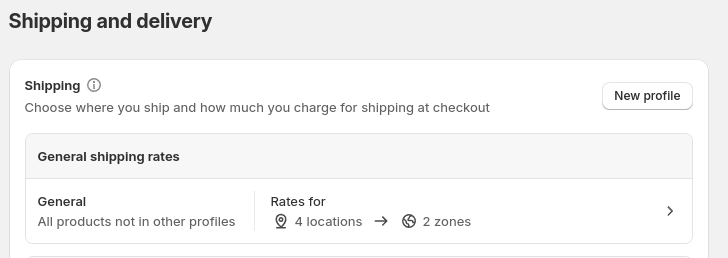
### Click on General Profiles
In the top section "Shipping", click on "General"
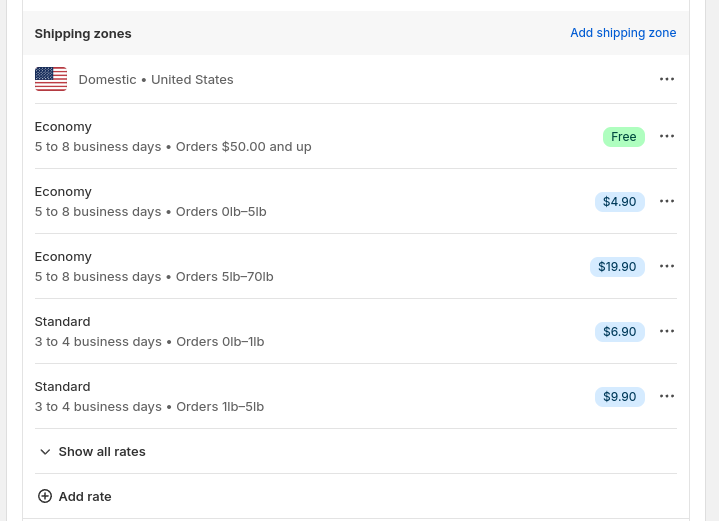
### Scroll on Shipping Zones
scroll down until you see shipping zones, this is where you will add the Nuflorist Carrier Service. Based on your preference if you want to generate rates on your domestic, international or custom profiles you will "add rate" our Carrier Service.
### Select Nuflorist Carrier Service
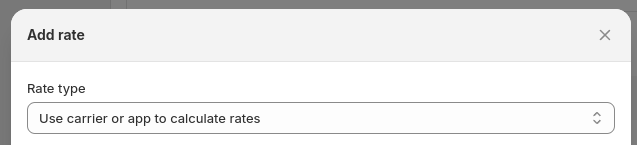
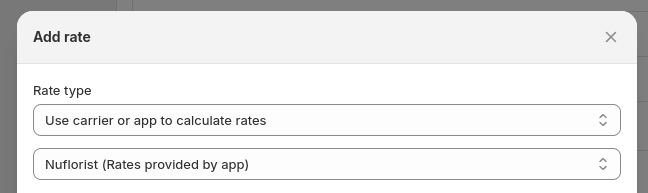
You will click "rate type" and select "use carrier or app to generate rates"
Now, in the select field just below select Nuflorist and click done.