> For the complete documentation index, see [llms.txt](https://nuflorist.gitbook.io/nuflorist/llms.txt). Markdown versions of documentation pages are available by appending `.md` to page URLs; this page is available as [Markdown](https://nuflorist.gitbook.io/nuflorist/delivery/create-a-delivery-rate.md).
# Create a Delivery Rate
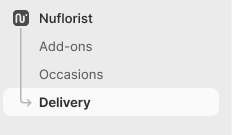
Navigate to the delivery section from the main dashboard.
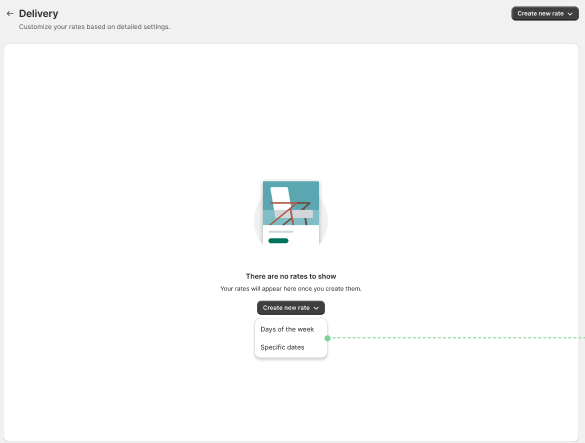
You will be give the choice to create a delivery of 2 types:
We can create rates where we specify specific dates or days of the week!
For this given example we will go ahead and create a days of the week type.
## Set The Delivery Rate Details
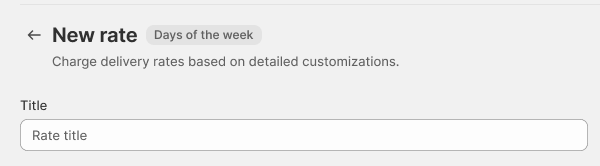
## Title
Assign a unique name to your carrier rate for easy identification.
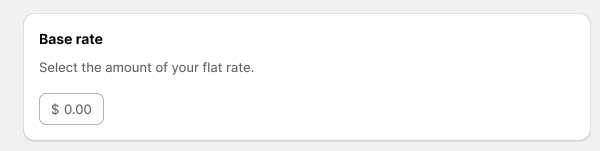
## Price
Set the base price for the delivery service.
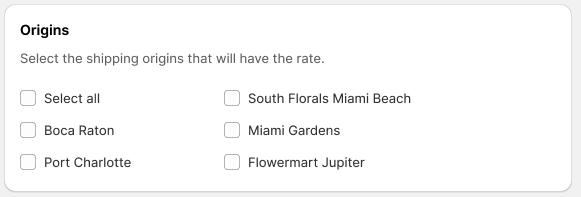
## Origins
Specify the Shopify stores from which products will be shipped.
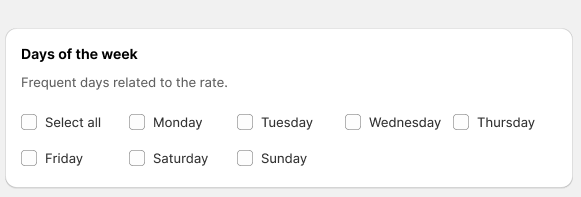
## Days of the week (or Specific Dates)
a delivery rate can be associated with days of the week or specific dates.
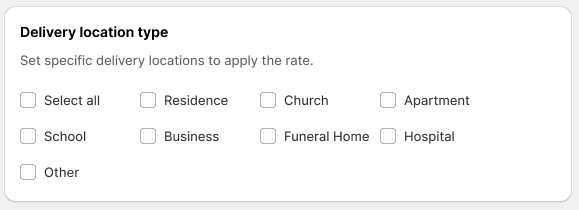
## Location Type
Assign unique location types to each delivery rate
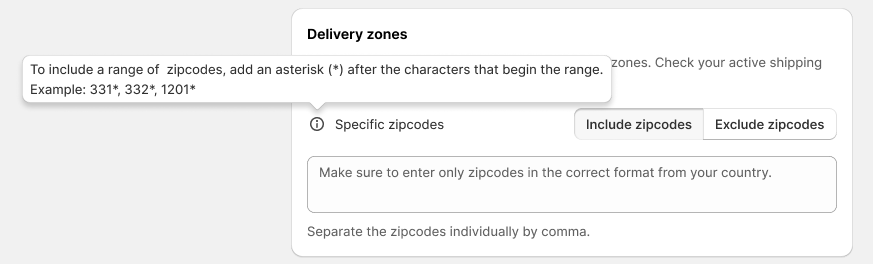
## Delivery Zones
Specify Zip codes where delivery is and is not available to your preference. This also supports ranges.
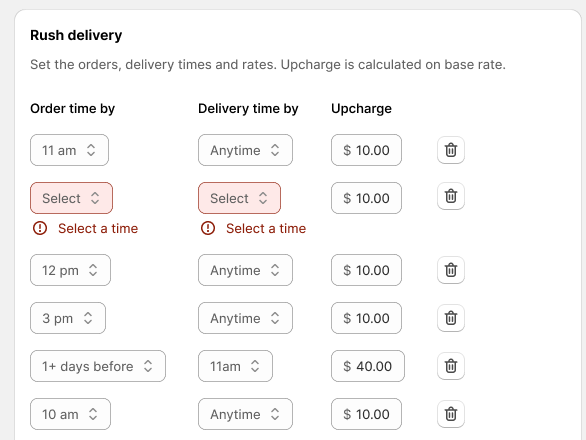
## Rush Delivery
Add any additional up-charges based on Order and Delivery Times