> For the complete documentation index, see [llms.txt](https://nuflorist.gitbook.io/nuflorist/llms.txt). Markdown versions of documentation pages are available by appending `.md` to page URLs; this page is available as [Markdown](https://nuflorist.gitbook.io/nuflorist/occasions/connect-addons.md).
# Connect Addons
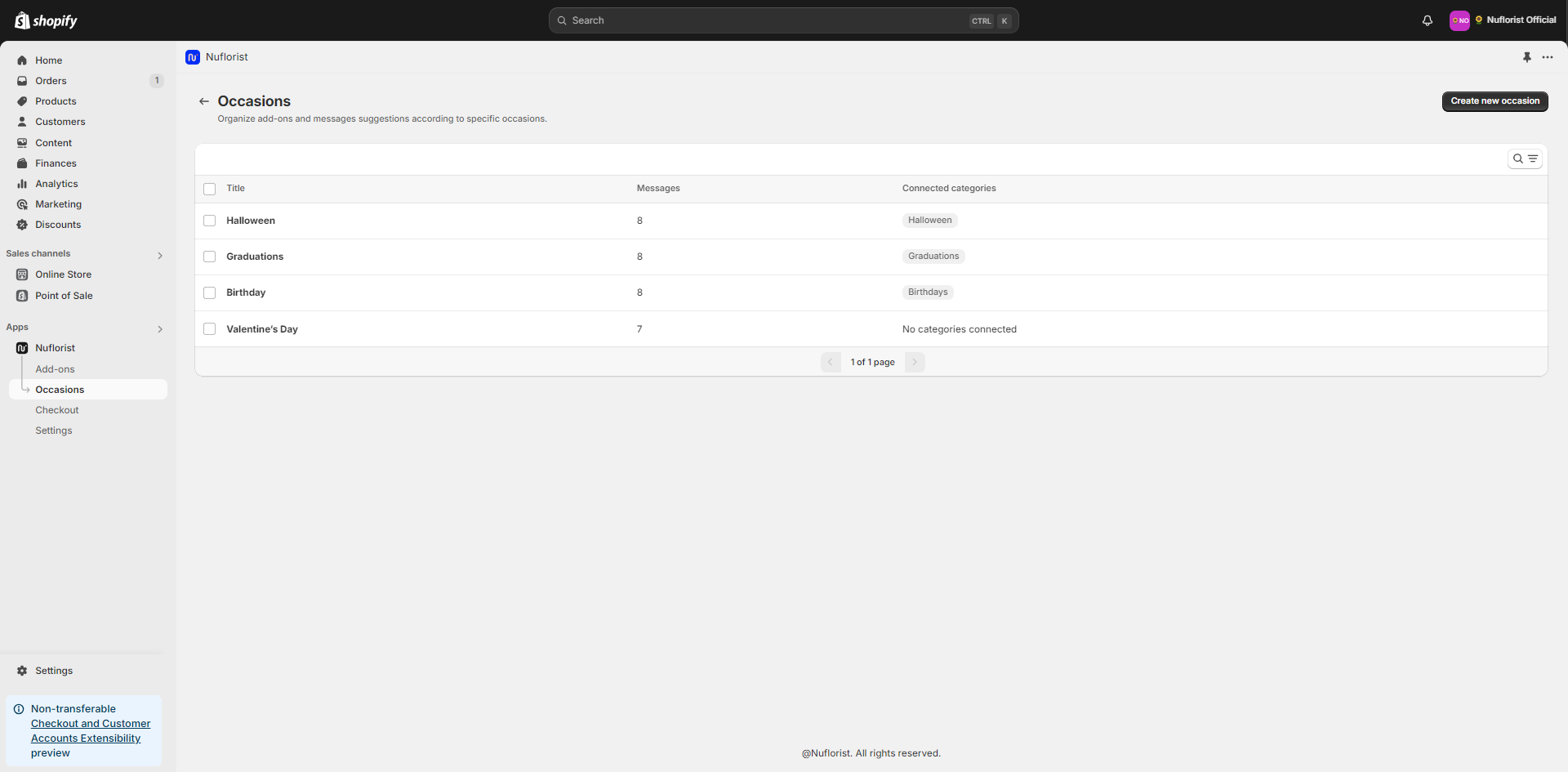
Find and click on the name of the occasion you want to edit the connected addons.
## Link addons Categories
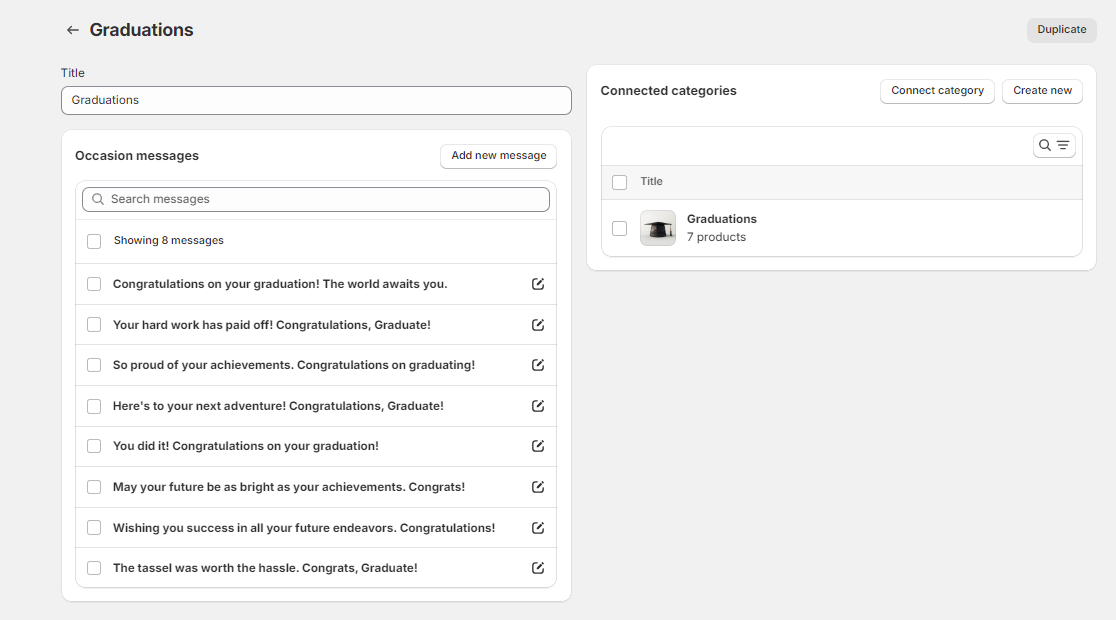
You’ll see a list of connect categories for your occasion. You can easily disconnect them or connect new ones. It’s possible to have more than one addons category linked to the same occasion.
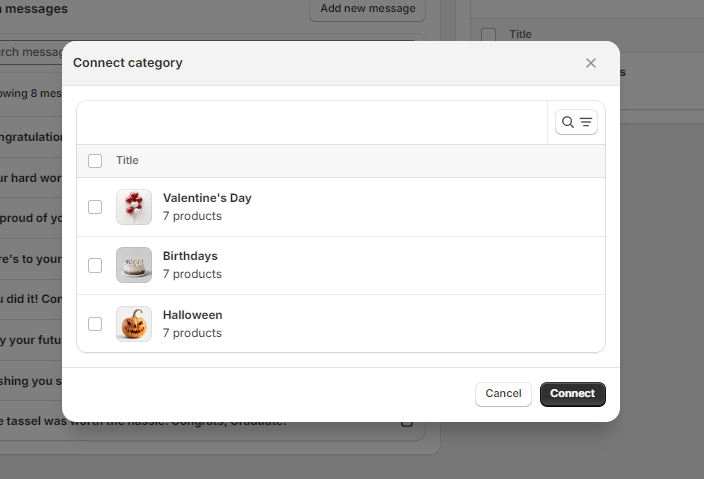
### Connect Category
In the occasion setup, look for the "Connect Category" section and select the addons categories you wish to add.
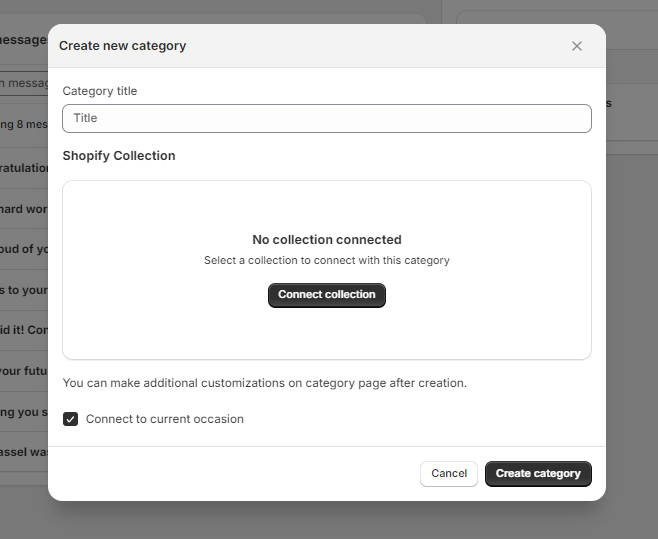
### Create New Category
If you don’t have the desired addons category set up yet, click on "Create New" and fill it up with the details.