> For the complete documentation index, see [llms.txt](https://nuflorist.gitbook.io/nuflorist/llms.txt). Markdown versions of documentation pages are available by appending `.md` to page URLs; this page is available as [Markdown](https://nuflorist.gitbook.io/nuflorist/occasions/understanding-occasions.md).
# Understanding Occasions
## What Are Occasions?
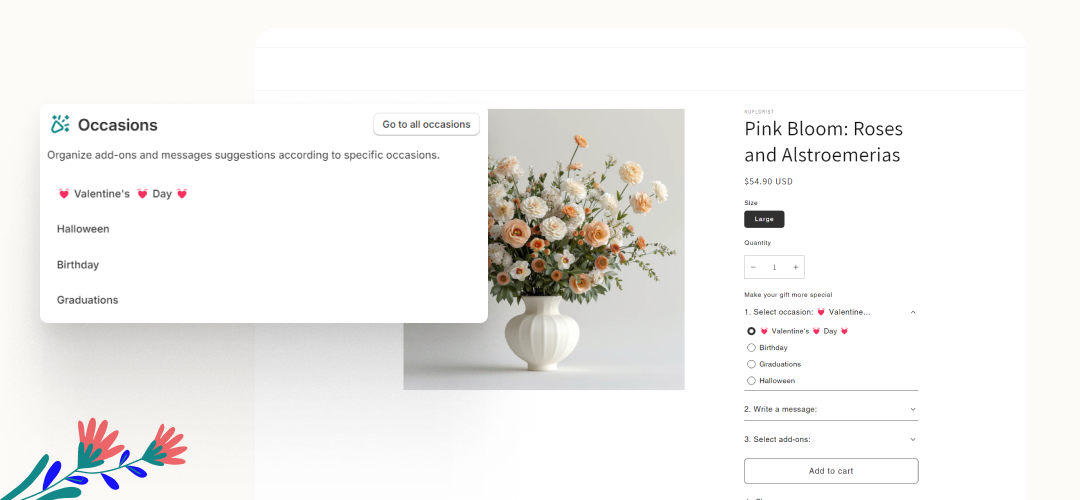
In the NuFlorist app, occasions are pre-configured settings that allow you to customize the shopping experience for specific events or themes. An occasion typically includes:
* Title: The name of the occasion, such as "Valentine's Day" or "Birthday."
* Messages: Pre-set or customizable messages that can be included with the floral arrangement.
* Addons: Additional products like chocolates, wine, or vases that complement the floral arrangement and are suitable for the specific occasion.
## Why Are Occasions Useful?
1. Better Customer Experience:
* Personalization: Customers can select from pre-defined themes and messages, making the shopping experience more personal.
* Convenience: Customers can quickly choose from relevant products and addons.
2. Increased Sales:
* Upselling Opportunities: By linking relevant addons to specific occasions, you can encourage customers to purchase additional items.
* Seasonal Promotions: Occasions allow you to create promotions and special offers made for specific times of the year, boosting sales during holidays and special events.